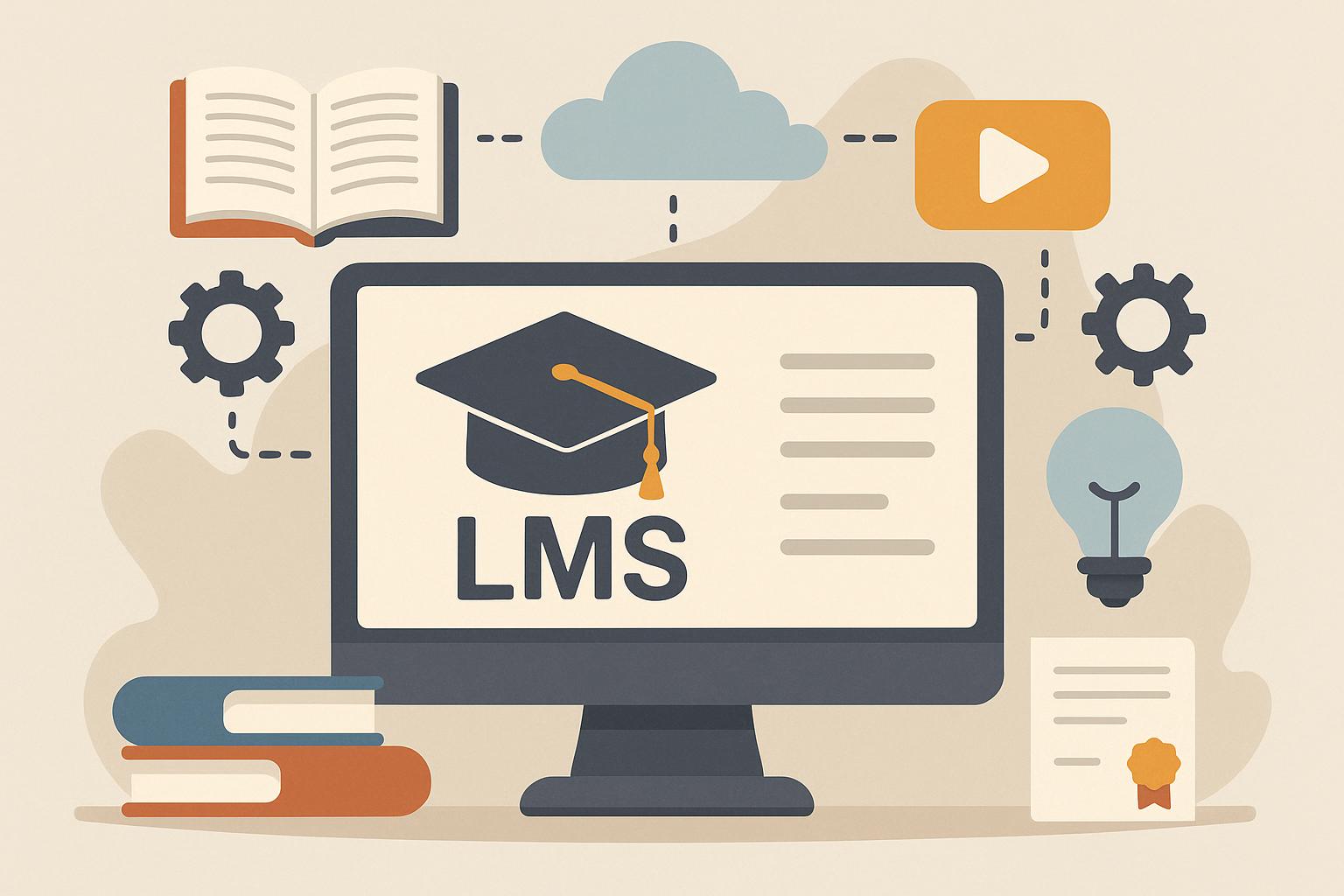
A learning management system provides organizations with a single platform to deliver instruction, record participation, and review results. Schools, clinics, employers, and associations rely on it to keep education orderly and measurable. The term can sound technical at first glance, yet its purpose is plain. It supports course delivery, tracks completion, stores records, and helps teams monitor knowledge growth, required training, and long-term skill development with less manual follow-up.
Core Meaning
For a beginner, an LMS serves as the control center for organized online instruction. It houses lessons, enrolls learners, records progress, and stores assessment results in one location. Without that structure, training can scatter across inboxes, shared drives, and paper records, making routine education harder to assign, monitor, revise, and document across growing teams with consistent oversight.
What It Does
At its simplest, the system manages the full teaching cycle. Administrators upload material, assign modules, set due dates, and review completion. Learners sign in, open content, finish tasks, and check scores. Managers then study reports to identify weak areas, confirm policy training, and improve future instruction through clearer sequencing, better timing, and stronger support for people who need extra guidance.
Main Functions
Most platforms handle several tasks within the same environment. They organize courses, manage learner profiles, deliver quizzes, issue certificates, and collect feedback after instruction ends. Some options also support live sessions, mobile access, discussion boards, and skill pathways. That combination can replace disconnected folders, spreadsheets, forms, and email reminders that often slow administration and create gaps in record-keeping.
Why Organizations Use One
Training often loses momentum when information is scattered across too many places. A central system reduces confusion and keeps expectations visible for every participant. Teams can assign the right lesson to the right audience without repeated reminders or manual tracking. Leaders also gain faster proof that staff have completed the required material, which matters in regulated settings such as healthcare, finance, public service, and manufacturing.
Common Business Benefits
Visibility is often the clearest benefit. Supervisors can see who started, who finished, and where scores suggest weak comprehension or limited retention. Consistency also improves because each learner receives the same approved material at the proper time. Costs may drop over months as online delivery reduces printing, travel, classroom scheduling, and repeated instructor hours for routine education that happens across larger groups.
Who Uses It
Many types of organizations depend on this software. Businesses use it for onboarding, safety instruction, product education, and leadership development. Schools use it for classes, assignments, attendance, and grading. Nonprofits, trade groups, hospitals, and public agencies also rely on structured teaching tools when they need dependable delivery, broad access, and clear records that stand up to internal review or outside oversight.
- Internal Training
Employee education remains a major use case. Human resources teams can assign role-based lessons, refresh annual policies, and document completion for legal or operational review. Supervisors can compare progress across departments and spot uneven performance early. That structure helps large teams stay aligned, especially when staff work across branches, remote settings, field locations, or mixed schedules with different access needs.
- External Learning
Some organizations teach customers, partners, members, or contractors. In that setting, the system becomes a service channel as well as an education tool. Branded portals, guided pathways, and searchable libraries can improve adoption and reduce confusion after onboarding. Better instruction often leads to fewer support requests, stronger product use, and more accurate task performance over time, especially with technical or compliance-heavy material.
Key Features To Check
Course management is essential, but reporting deserves equal attention. A practical platform should also support enrollment, clear navigation, assessments, certificates, and dependable user permissions. Mobile design can matter for deskless workers who complete lessons during shifts or travel. Integration options warrant close review as well, because learning data often needs to connect with human resources systems, meeting tools, content libraries, and identity management.
How Selection Should Happen
Decision makers should begin with goals rather than vendor lists. A small business may need a quick setup, simple reporting, and a low administrative burden. A large employer may require detailed permissions, audit trails, and strong integration support. Budget matters, but daily usability often matters more. If learners avoid the platform or struggle to finish lessons, advanced features deliver little practical value.
Conclusion
A learning management system is best viewed as an organized engine for teaching, tracking, and improving instruction at scale. It helps institutions deliver knowledge with greater order and less manual effort. For beginners, the value becomes obvious once the basic functions are clear: one place for content, progress, records, and reporting. That clarity supports better training decisions for employees, students, members, customers, and external partners.